Get a Premium SSL Certificate & Secure
Your Site Now
Protect your website, build brand trust, and improve yoursearch engine rankings with our free SSL Certificates. Your own SSL certificate for your domain. https:// creates trust!
From Fortune 500 companies to innovative startups, thousands of businesses trust Protozoa Host to deliver exceptional cloud hosting solutions.
Choose Your SSL Certificate Level
Secure your website with industry-standard SSL certificates. Choose from our range of validation levels to match your security needs and build trust with your visitors.
Bank-Level Security
Easy Installation
Browser Trusted
24/7 Support
Domain Validation (DV)
Domain validation only. Issued in minutes. Ideal for blogs, social media & personal websites.
Secure Your Site In Minutes With Our Fully Automated Provisioning And Deployment
There's Also A Lot More Reasons Why You Should Consider Adding SSL To Your Website
What is SSL?
SSL Certificates are fundamental to internet security. They are used to establish an encrypted connection and allow data to be transmitted securely between a browser or user's computer and a server or website.
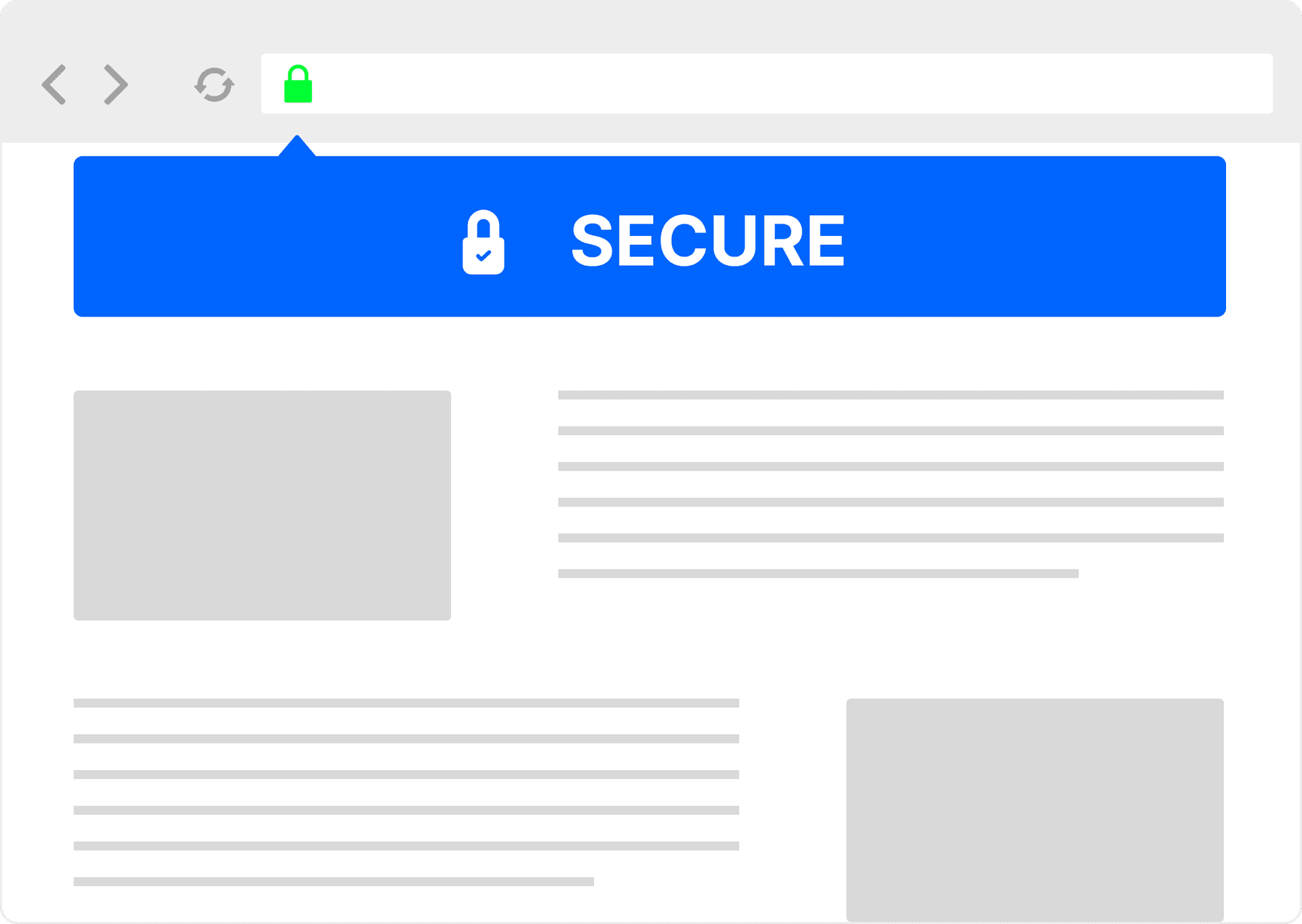
Establishes a secure connection between a browser and a server Encrypts communication to protect sensitive information your customers provide to you Places a padlock next to your web address in the browser Authenticates an organization’s identity
Standard SSL (Domain Validated) Certificates are the easiest and most common type of SSL certificate. OV and EV Certificates also authenticate the identity of the company or organization that holds the certificate providing more trust to end users.
With our SSL certificate services*, you won't need to take manual steps to configure and deploy new certificates every year. We generate a renewal order automatically when your certificate nears the end of its validity. After payment, we will automatically configure, validate, and provision your new certificate for you.
* Your domain must be hosted through the same hosting provider who sold the SSL certificate, and the server must use cPanel, Plesk, or DirectAdmin.
Help Me Choose The Right Type Of Certificate
While the need for online security is universal, not all SSL Certificates are created equal. The guide below is designed to help you decide which type of certificate is right for you.
Domain Validation (DV)
Verifies ownership and control of the domain name only
Issued in minutes
Maintains browser compliance
Ideal for non-critical web pages
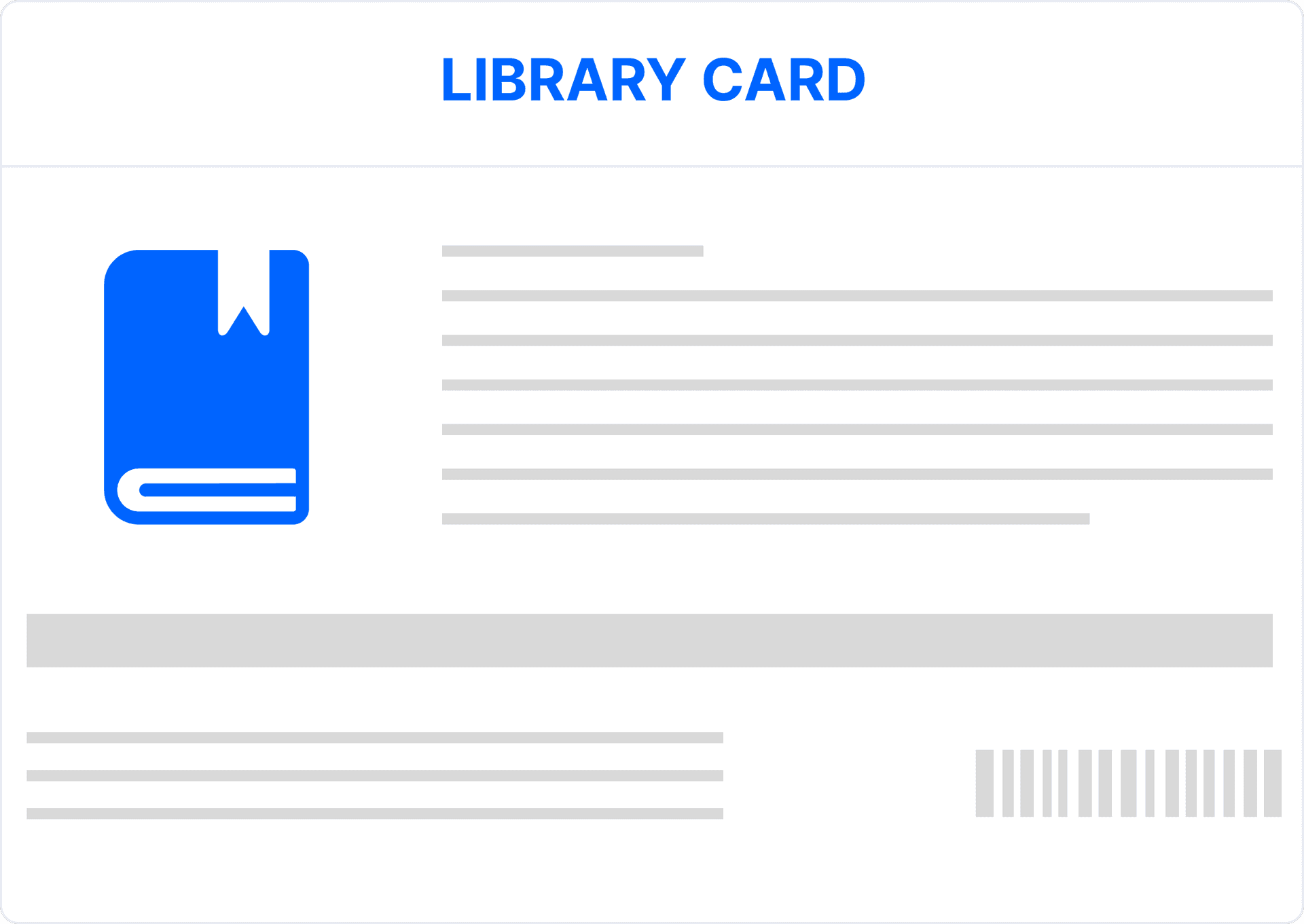
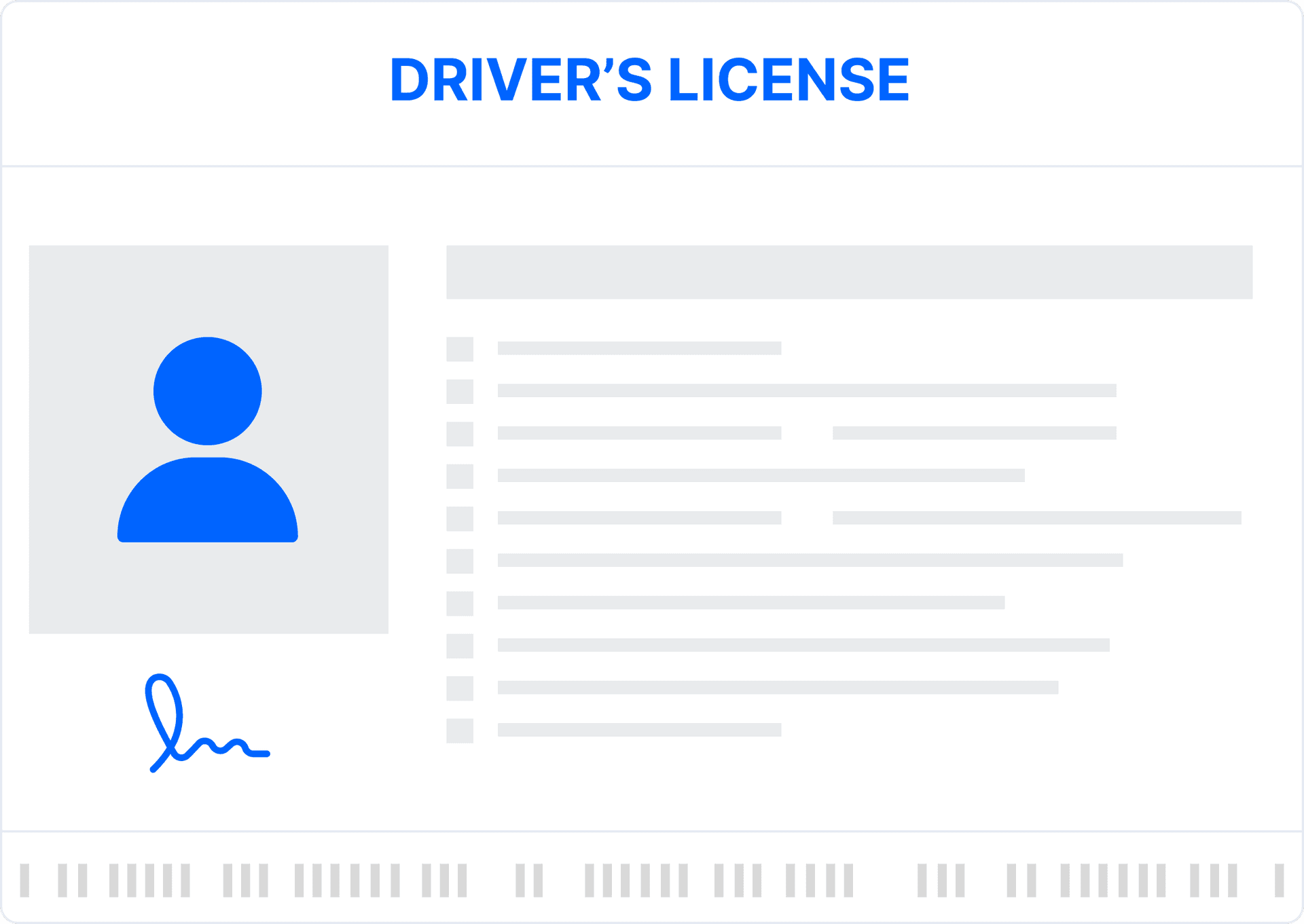
Think of DV like getting a library card, no confirmation of who you really are, very minimal requirements to obtain and issued very quickly.
Standards-based approach to authentication, representing the highest level of authentication for SSL Certificates
Typically issued within 1-3 days
Maintains browser and other industry compliance
Ideal for sensitive webpages including ecommerce, online banking, account signups
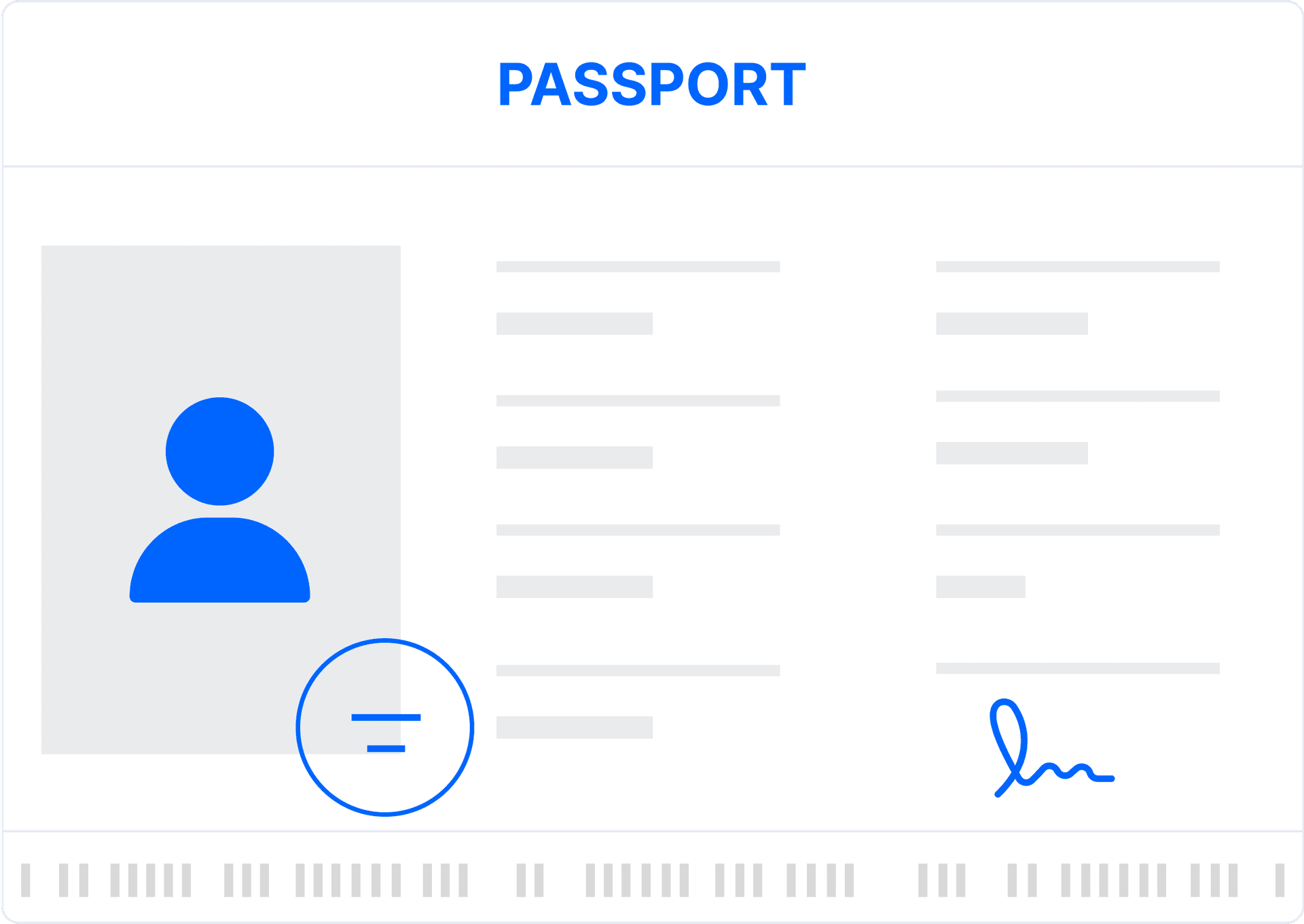
Think of EV like getting a passport, much more stringent processes, longer lead times and more verification of who you are than with a library card or driver's license. Recognized internationally as the most trusted way to verify your identity.
Essential information about Domain Whois and SSL services
A Whois domain lookup is a search that provides information about the ownership, registration, and status of a domain name. This information is stored in a public database managed by domain registrars. The data typically includes details like the domain owner's name, contact information, the domain's registration and expiration dates, and the name servers used.
A Whois IP lookup is a search that provides information about the ownership and registration details of a specific IP address. Similar to a domain lookup, it reveals details such as the organization that owns the IP address, the geographical location, and contact information. This information is useful for tracing the origins of an IP address or understanding who controls a specific range of IP addresses.
To conduct a Whois search:
1. Choose a Whois Lookup Tool: Many websites offer Whois lookup services, such as ICANN, WHOIS.net, or your domain registrar.
2. Enter the Domain Name or IP Address: Input the domain name or IP address you want to look up in the search bar.
3. Review the Results: The search will return details about the domain or IP address, including ownership, registration dates, contact information, and more.
1. Log in to Your Domain Registrar Account: Go to the website where you registered your domain.
2. Navigate to the Domain Management Section: Find the area where your domain information is stored.
3. Update Contact Information: Ensure your contact details, including email, phone number, and physical address, are up-to-date.
4. Save Changes: Submit the updated information and confirm that the changes have been applied.
1. Enable Domain Privacy Protection: Most registrars offer privacy protection services that mask your personal information in the Whois database. This keeps your details private and reduces the risk of spam or targeted attacks.
2. Use a Professional Email Address: If you don't want to use privacy protection, consider using a separate, professional email address for domain registration to avoid personal exposure.
3. Regularly Review Your Whois Information: Ensure your information is up-to-date and correct. This is especially important for compliance and renewal notifications.
4. Consider a Private Domain Registration: Some registrars offer the option to register your domain through a proxy, keeping your identity completely anonymous.
30 Days Money Back Guarantee
We stand behind our service with a full money-back guarantee. Try us risk-free and if you're not completely happy, we'll process your refund immediately.